

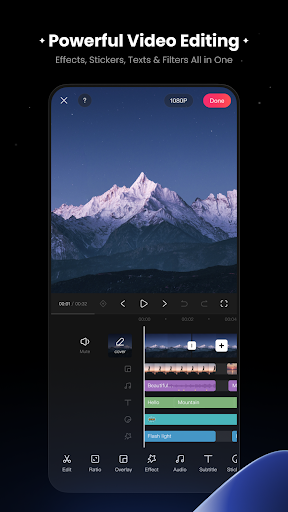
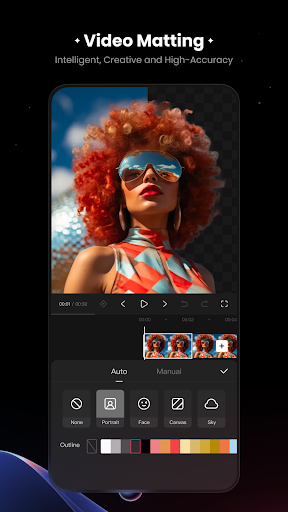
KwaiCut – Video Editor is an app designed for modifying and enhancing video content. Users can perform fundamental editing tasks such as precise video segmentation, cropping, splicing, rewinding, and adjusting playback speed. The app also supports exporting edited videos in multiple ultra-high definition resolutions, making them suitable for various platforms. A distinctive feature is its professional audio noise reduction capability, specifically engineered to clarify vocal performances within videos, alongside a multi-style sound effect library for adding background music.
Video Editing Fundamentals
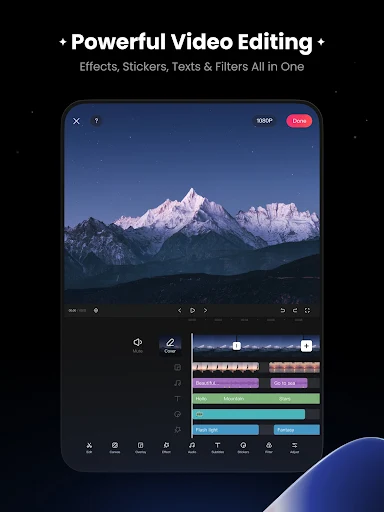
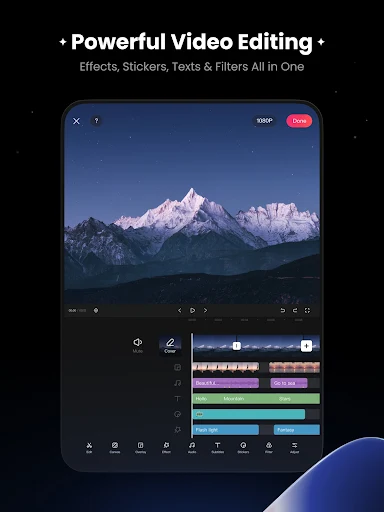
The app provides core tools for manipulating video timelines. Users can precisely segment video clips, crop unwanted sections, and splice different segments together. It also includes functions to rewind video footage and adjust the playback speed of clips, offering control over the pacing and flow of a video project.
Audio Tools and Sound Library
Beyond basic video editing, KwaiCut features professional audio noise reduction technology, specifically designed to improve the clarity of vocal performances within video recordings. To further enrich video soundtracks, the app includes a multi-style sound effect library, allowing users to select and integrate various audio elements into their projects.
Subtitle Creation and Customization
For adding textual information, the app offers tools for manually adding and editing subtitles. Users can customize the appearance of these subtitles by choosing from hundreds of professional subtitle styles and dynamic effects available in a dedicated library, enabling varied visual presentations for text overlays.
Visual Enhancements and Stickers
To enhance the visual appeal of videos, KwaiCut provides a range of advanced visual effects. It includes a collection of movie-grade filters, each with adjustable intensity, allowing users to fine-tune the aesthetic of their footage. Additionally, the app offers an extensive library of static and dynamic stickers, covering multiple themes, and supports the import and management of custom stickers for personalized content. These stickers can be easily added, scaled, and adjusted within the video.
Integrated Material and Template Resources
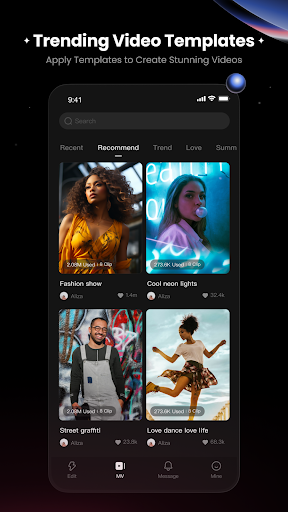
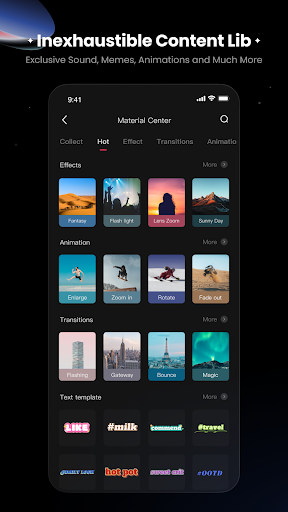
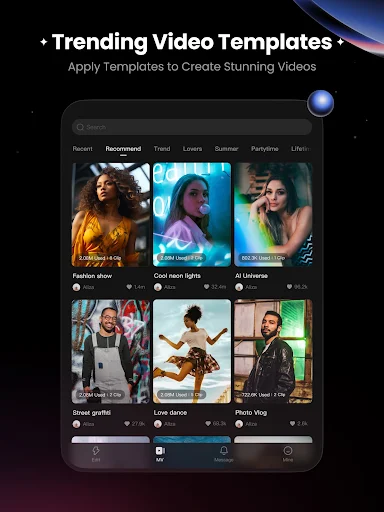
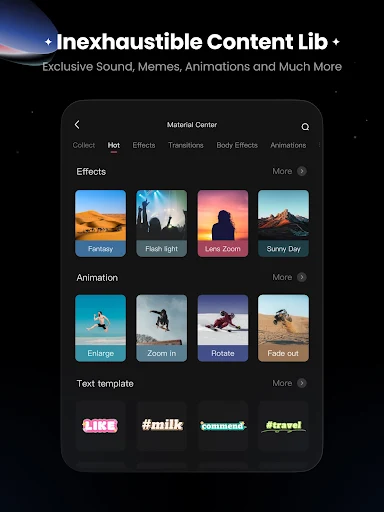
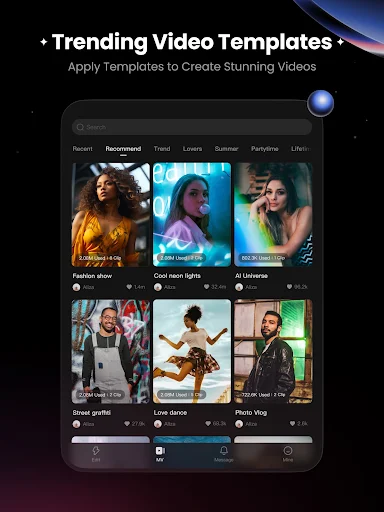
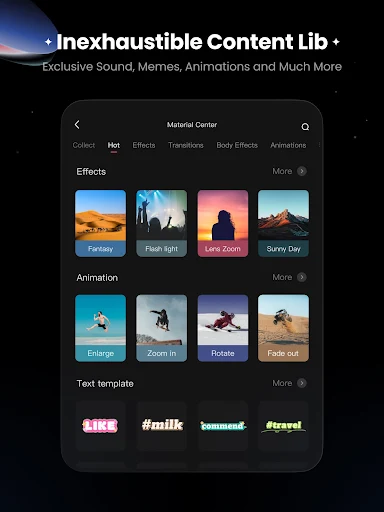
The app features an Inspiration Center, which functions as a Material Center where users can access and apply trending materials with a single action. This center is regularly optimized to provide more content. It also hosts a vast collection of exclusive design materials and offers new templates, providing resources for creative projects.







Write a review